Customer Relationship Management (CRM)

Everyone who calls becomes a contact, with their calls, jobs and money on one page, and a pipeline that moves as the work does.

Contacts, filled in from your calls

Callers are added for you, with the name they gave. Search names, numbers, addresses and email.

The Contacts list in the app: a switch between List and Pipeline, then people with their status, such as New lead, Booked, Quoted or Done, and the time of their last contact.

A page for every customer

Every call, their booked jobs, and what they’re worth.

One customer’s page in the app: the name, the business, a tag, buttons to Call, Text and get Directions, and cards for History and Jobs.

A pipeline from first call to done

New lead, Quoted, Booked, Done and Lost. Calls move leads along, and you can too.

The Contacts tab on Pipeline: the New lead stage with a count and the people in it, and the start of the Quoted stage.

Tags and your own fields

Like a gate code or the last service date.

A contact’s fields in the app: a field of your own, Gate code, filled in, and the tags on the contact, with a link to edit tags.

Filters

By status, tag, last contact, reminder or field.

The Filters sheet of the app: chips for status, tags and last contact, with Apply and Clear buttons.

Duplicates, merged

Contacts that look like the same person show up so you can merge them.
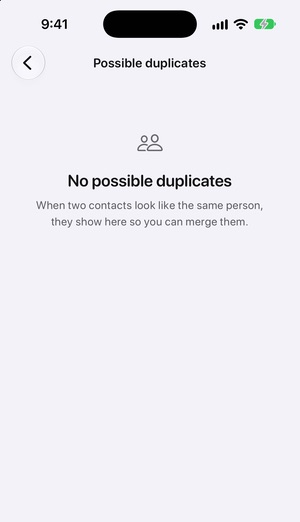
The app’s Possible duplicates page: a card with two contacts that look like the same person. Merge opens a page with both of them and what moves, and after Merge the page shows no duplicates.

Reminders

Yours or the whole team’s, due now or coming up.

A contact’s reminders in the app: the Mine and Due filters, one reminder with Mark done, and Add reminder.

Reports

What each customer has booked and is worth.

A customer’s jobs in the app: how many are open, a switch between Recent and Amount, and two booked jobs with their prices.

Bring your contacts

Import a spreadsheet of contacts. We match them by phone number, then email.

Switching from another receptionist

Your next missed call, answered.

Sign-up isn’t open yet. To hear when it opens, email support@voicedog.ai.

See pricing